
News
28 August 2026
28 August
Your VISA card is getting a new number
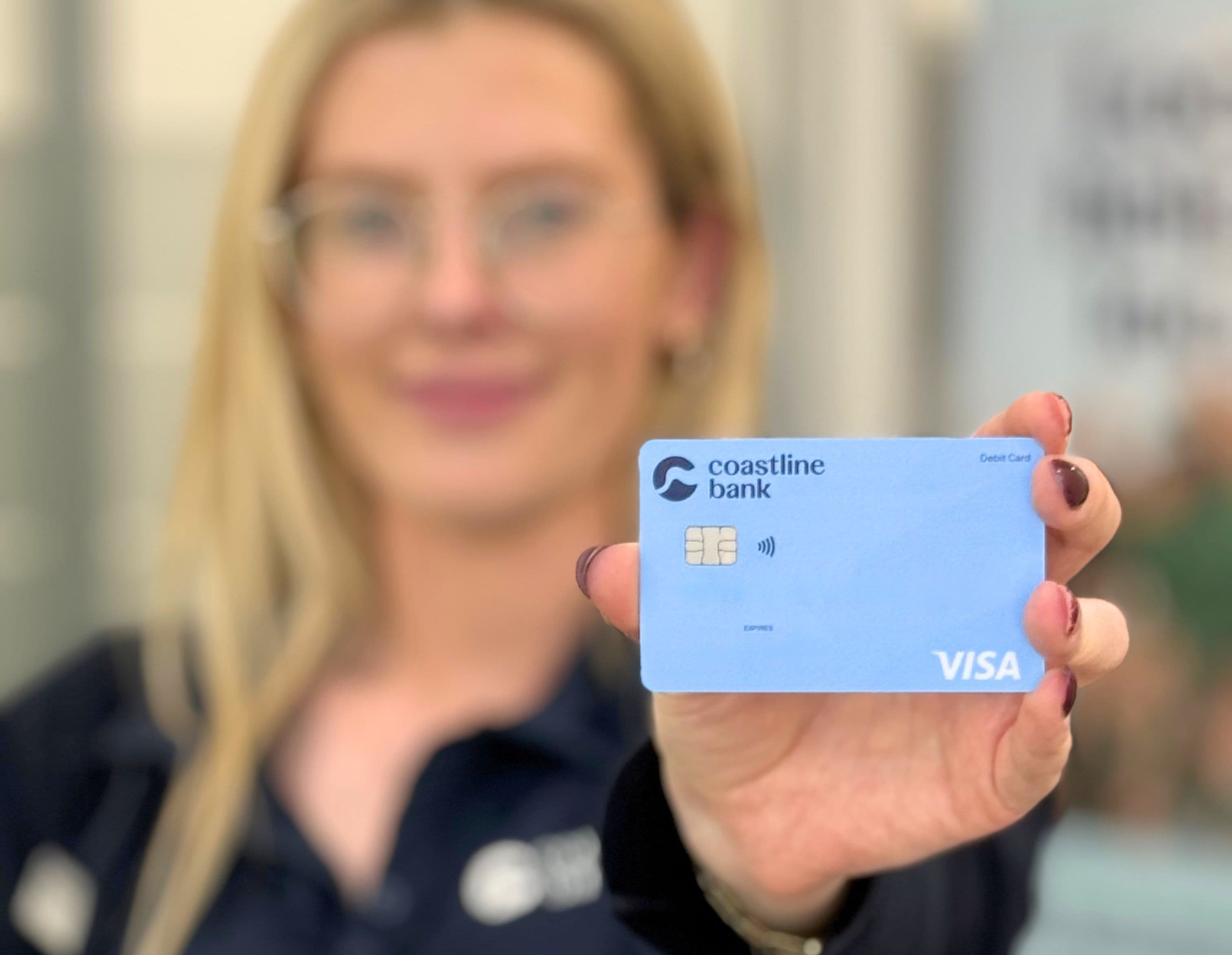
If you're a Coastline Bank VISA cardholder, you'll notice something a little different in the coming months: your card is being replaced earlier than usual, with a new card number.
It's not a mistake, and it's nothing to worry about. Here's what's going on and what you need to do.
Why is my card being replaced early?
Our card supplier requires Coastline VISA cards to move to a new card number range. To do that, we need to reissue customers' cards, which means some of you will get a new card well before your current one expires.
What do I need to do?
Activate your new card as soon as it arrives. Don't wait for your current card's expiry date; your old card will stop working before then, once your new one is active.
Set a new PIN as part of activating your card.
Update your automatic payments. Check anything that bills to your card automatically, like your phone plan, streaming subscriptions or insurance, and update those with your new card number.
Destroy your old card securely once your new one is active and everything's updated.
Frequently asked questions
Will I get any warning before my new card arrives?
Yes. You'll receive a letter or email from Coastline Bank ahead of time, letting you know your new card is on its way. The card itself will then arrive separately, sent by our card supplier.
Is this a scam?
No. This is a genuine, planned change from Coastline Bank. We'll never ask you to click a link or provide your card details by email or text as part of this process. If you're ever unsure whether a message about your card is really from us, call us directly on 1300 361 066 to check.
Do I have to activate my new card straight away?
It's best to activate it as soon as it arrives. Your old card will be deactivated ahead of its printed expiry date, so leaving it too long could mean a payment gets declined unexpectedly.
What happens to my old card?
It will stop working once your new card is activated, even if it hasn't reached its printed expiry date yet. Once you've switched over and updated your automatic payments, destroy the old card securely.
Do I need to update my card details anywhere else?
Yes, anywhere you've saved your card for automatic or recurring payments, such as streaming services, phone bills or insurance, will need the new card number. Your Coastline online banking login itself doesn't change.
Can I keep my current card until it expires?
No, every Coastline VISA card is moving to the new card number, so all cards with the old number will be reissued as part of this update.
What if I don't receive my new card?
Contact us on 1300 361 066 or visit your local branch, and we'll arrange a replacement.
Who do I contact if I have questions?
Our team is here to help on 1300 361 066 or in branch.